The 5th of the month rolls around and you're wondering who's already paid. You check Zelle, you check PayPal, you check your messages. You charged one client twice by mistake and haven't billed another for two months because it slipped your mind. Getting paid shouldn't be the most exhausting part of your business.
If your business runs on monthly payments, collecting on time isn't about being more pushy. It's about having a system.
Why payments run late
It's almost never bad faith on the client's part. Usually it's this:
- Nobody reminded them of the date. Not you, not anyone on your team.
- They don't have the invoice handy, or it arrived incomplete, without the details to pay.
- You didn't know they were behind until it had been two months.
- Every client pays on a different date and your notebook can't keep up.
All of those problems share the same root: your collections depend on your memory.
Every invoice with its status
In CRM Blides, every invoice has a clear status, visible to you and your team:
| Status | What it means | What you do |
|---|---|---|
| Upcoming | The payment date is approaching | Remind the client ahead of time |
| In Progress | The client said they paid or are paying | Confirm the money arrived |
| Paid | The payment is recorded | Nothing, you're done |
| Overdue | The date passed with no payment | Call today |
With that in place, you stop checking account by account. You open the overdue list and know who to call.
The CRM generates a payment invoice in PDF with your logo and your payment details, such as Zelle or PayPal.
Renewals that create themselves
The biggest time-saver is the custom renewal. When you set up a service, you choose how it renews: every month, every set number of months or as a one-time payment. When the client pays, the next invoice is created automatically with its new date. You don't have to remember a thing.
When you record a payment, you can mark one or several months at once, in case a client pays ahead. You can also add tax as a percentage or a fixed amount, depending on how you bill.
PDF invoices that build trust
An invoice thrown together on your phone says a lot about a business, and not in a good way. The CRM generates a payment invoice in PDF with your logo and your payment details, such as Zelle or PayPal. The client gets it complete and knows how much they owe, when and how to pay.
That cuts down the most common question before a payment: "Where do I send the money?" And it gives you a professional image that people notice.
Reminders so you don't have to remember
The CRM's reminders work for you and your team:
- Alarms that repeat, for example 3 times every 10 minutes, so a collection call never falls through the cracks.
- A notification bell inside the CRM.
- Alerts to Telegram groups by category, so whoever handles collections finds out even if they don't have the CRM open.
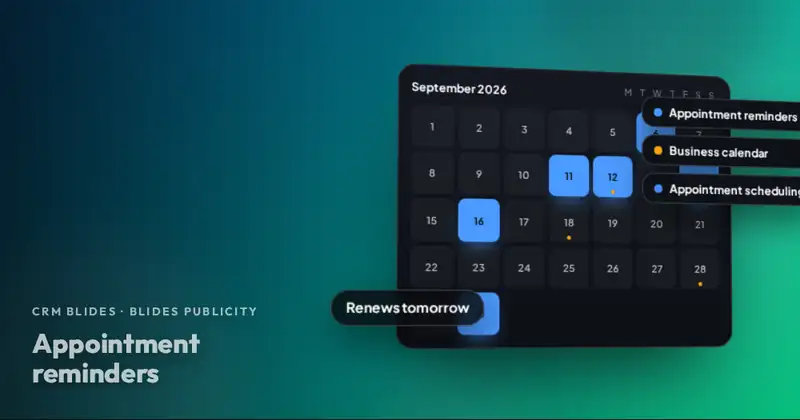
- Renewal reminders on the calendar, right next to your appointments and meetings.
If you want to set up a solid reminder routine, we explain it in appointments and reminders that actually go off.
A collection routine without the chasing
With the system in place, collecting becomes a quick task:
- A few days before the due date, review the invoices marked Upcoming and send each client their PDF.
- On the payment date, confirm the ones that moved to In Progress and record them as paid.
- The next day, call the ones still marked Overdue. Leave a note with what they said.
- Once a week, check Finances to see how much you've collected compared to what you expected.
You're not chasing anyone: you remind them on time, give them everything they need to pay and only call the people who are actually behind.
See the whole month at a glance
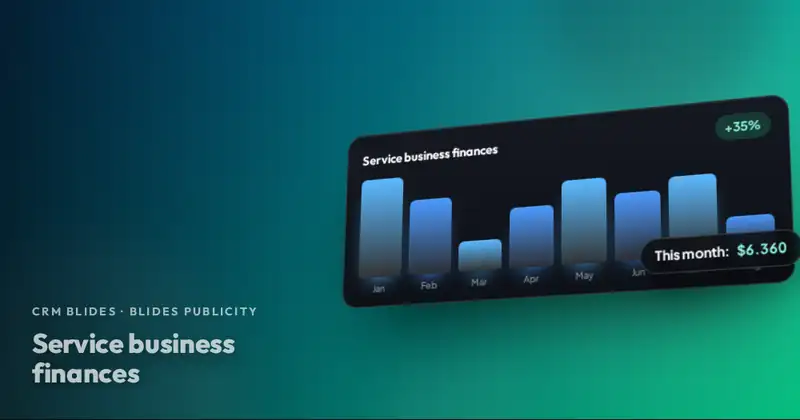
Your collections feed the Finances module: fixed monthly income, what's been collected this month, what's expected next month and what's overdue. That's where you stop guessing how much money is coming in. We explain it in simple finances for a service business.
If you have clients with several businesses, each with its own amount and date, that's covered too: each of the client's companies has its own services and its own renewal. We cover it in one client with several companies.
Want to see CRM Blides working with your business?
Clients, leads, appointments, payments, finances and your team in one system. We show it to you live and prepare a quote.
Start this month
Make a list of your clients on monthly payments, with their amount and due date. If it takes you more than ten minutes to put together, your collections depend too much on your memory. Send us a WhatsApp message and we'll show you in a demo what that same list looks like inside CRM Blides.
Frequently asked questions
Does the CRM charge cards automatically?
It doesn't process payments. It records payments, generates the PDF invoice with your payment details, such as Zelle or PayPal, and creates the next invoice when the client pays.
Can I record that a client paid several months at once?
Yes. When you record the payment, you choose one or several months, and the renewal adjusts to the new date.
Does it work for services billed only once?
Yes. Each service can be billed monthly, every set number of months or as a one-time payment.